


Do you photograph LEGO or other brick-built toys? If so, have you checked out Rebrickable? Rebrickable is an absolute treasure trove of downloadable MOC (“my own creation”, custom designs created by LEGO builders) instructions and other useful tools for LEGO fans. Many of the plans are free, others have a small fee which varies by designer. So what does Rebrickable have to offer for toy photographers? Let me show you a few ways you can use this awesome resource.
Alt Builds
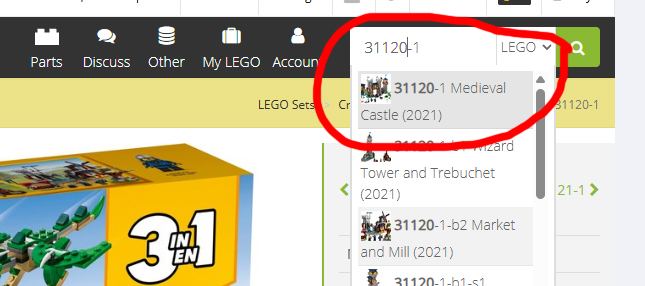
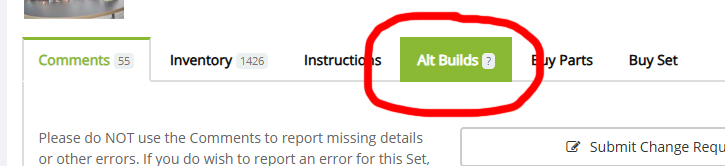
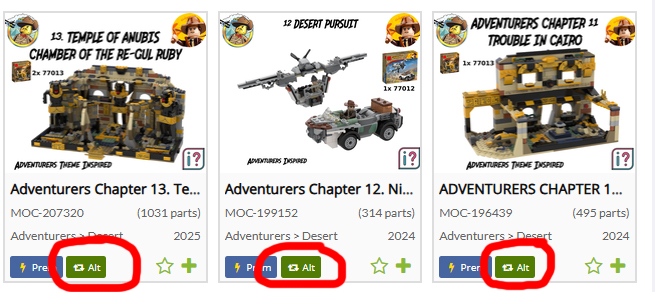
Alternate builds (aka alt builds) are variations of official LEGO sets. Alt builds are an especially useful (and cost-saving!) way to increase the photo opportunities for sets you already own. Rebrickable is chock full of MOC alt build instructions. For example, the LEGO Medieval Castle Creator 3-in-1 set (#31120) currently has 302 (wow!) alt build plans available. Most instructions are .pdf files; others require the free LEGO studio software to use. As shown below, first enter any LEGO set number in the search bar and click on the set name (usually the first list entry in the drop-down). Then scroll down the page and click on the “alt builds” tab to see what alt builds are available for that set. Or if you are browsing the main page (or any search result), just look for the green “Alt” icon.
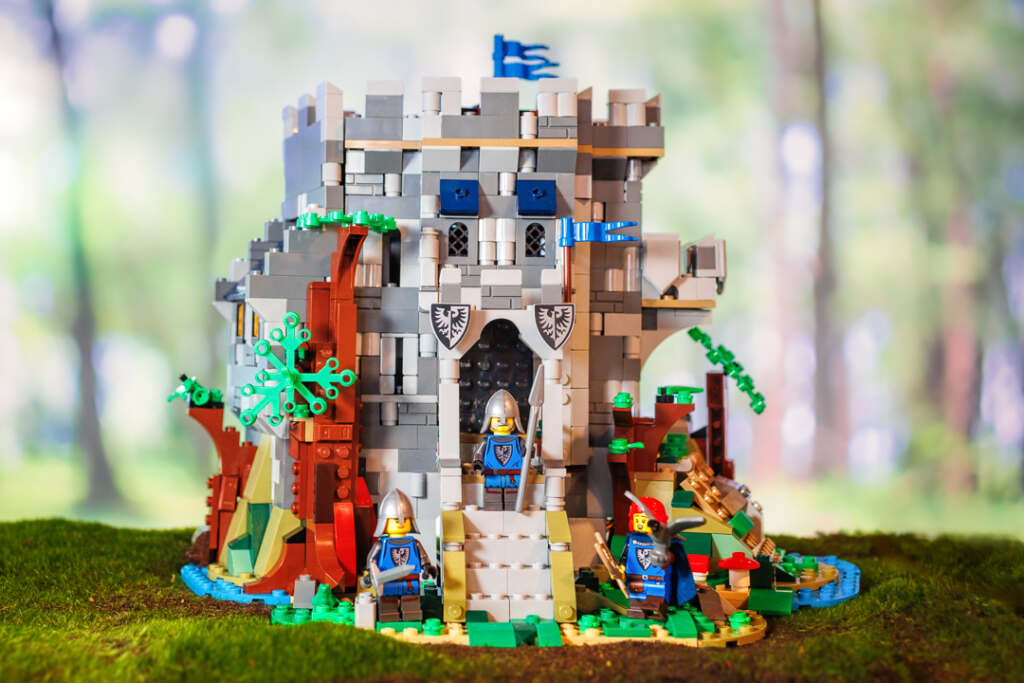
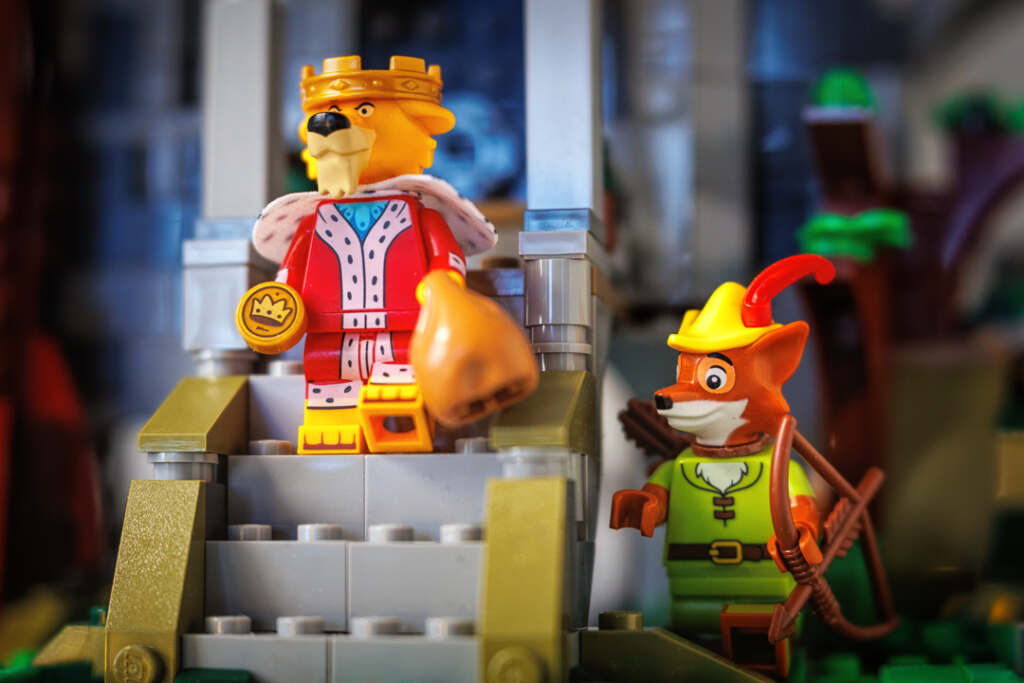
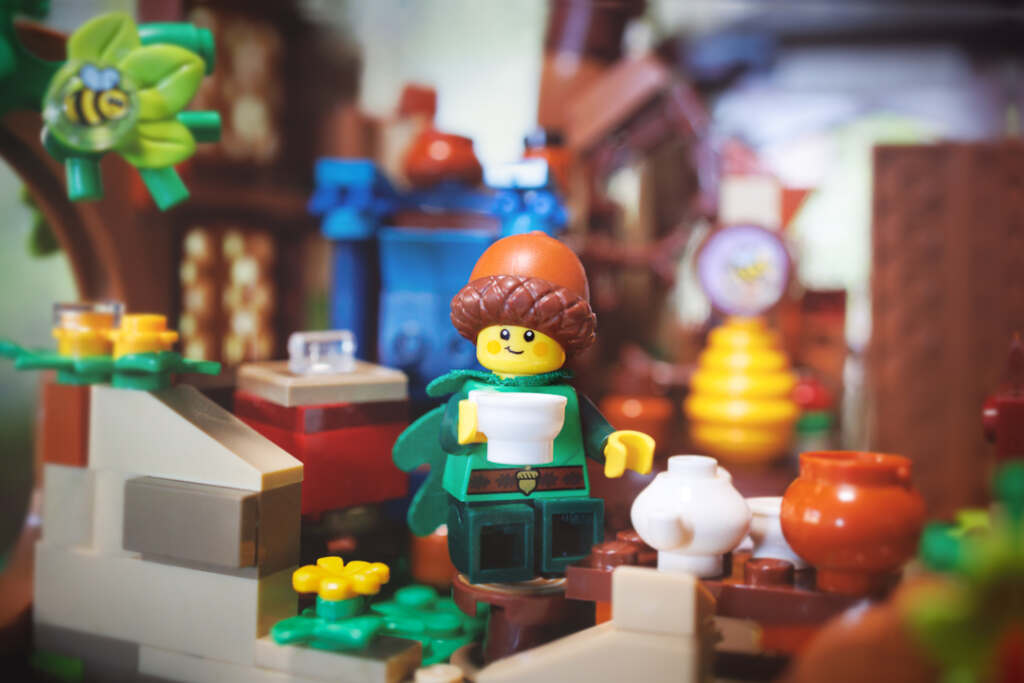
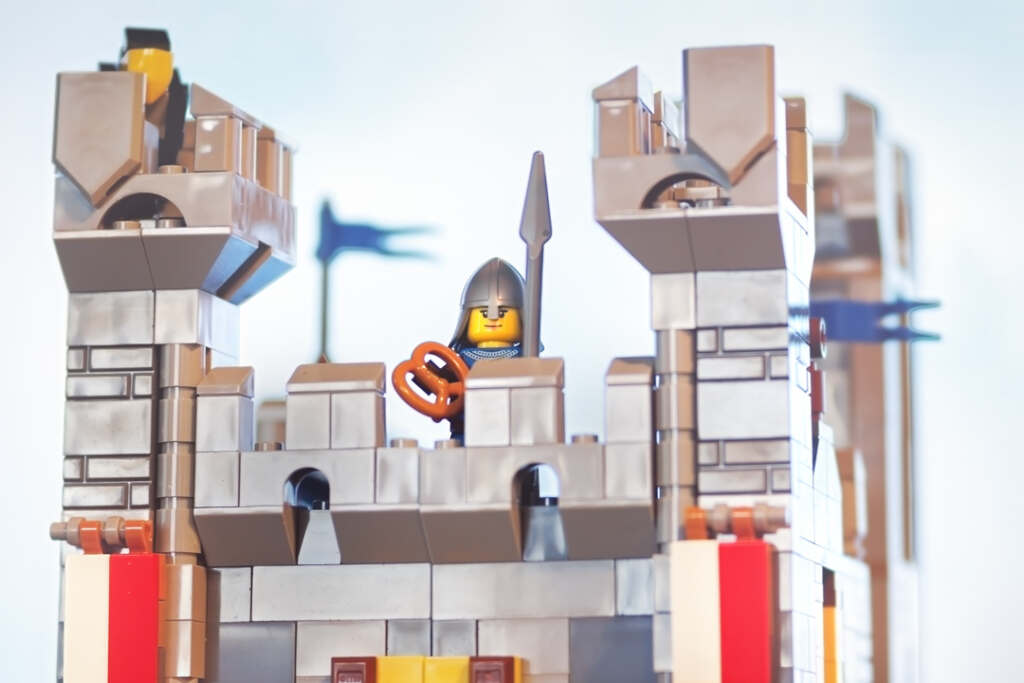
Here is an example of one free alt build for set #31120 – “Castle in the Forest” by MIJbricks. It’s a charming little castle that closely resembles the Bricklink Designer Program set of the same name. I missed out on purchasing the BDP set and was thrilled to find that I could build an MOC variation with a (much less expensive) set that I already own.
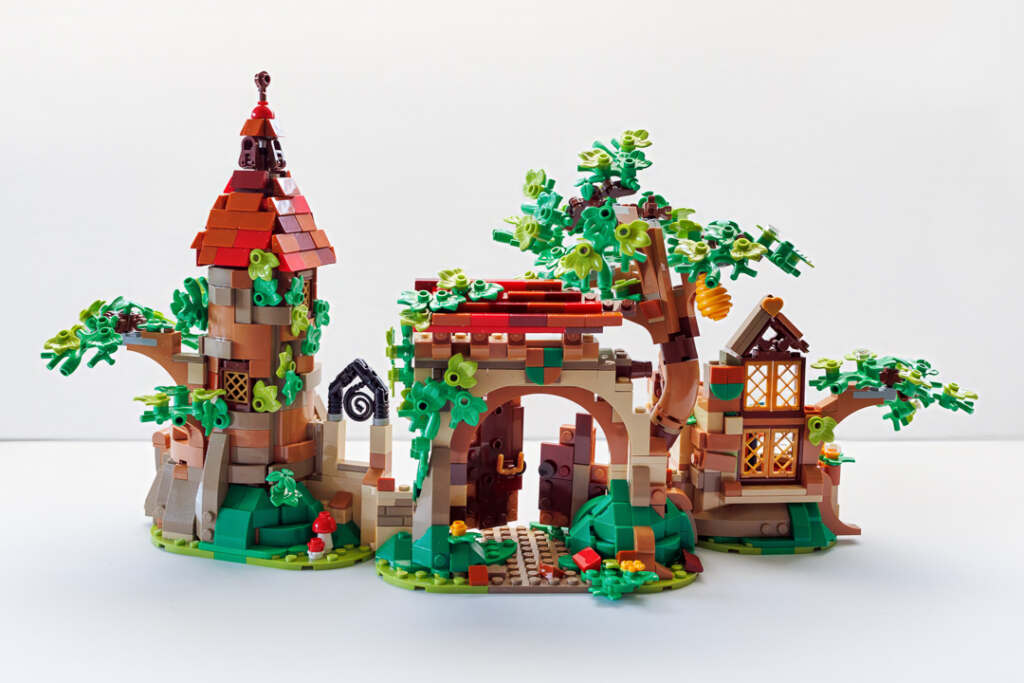
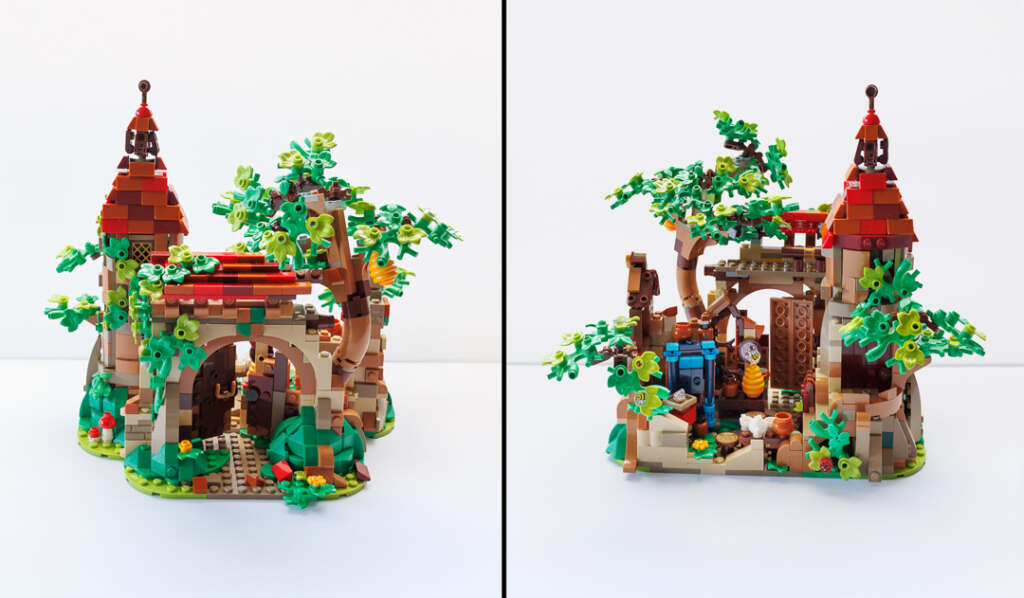
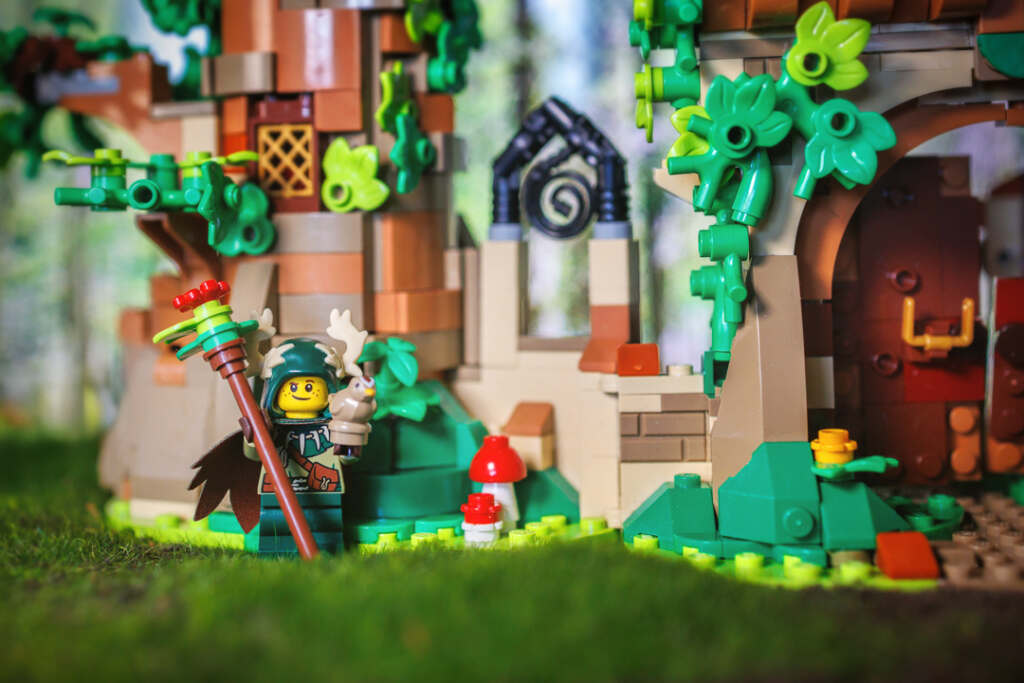
And here is an example of an alt build for the Winnie the Pooh set #21326 – “Ruins in the Enchanted Forest” by Vanestream. This ingenious creation has lots of front and back detail and is cleverly hinged to tuck the sides in for even more photo potential.
Book Nooks
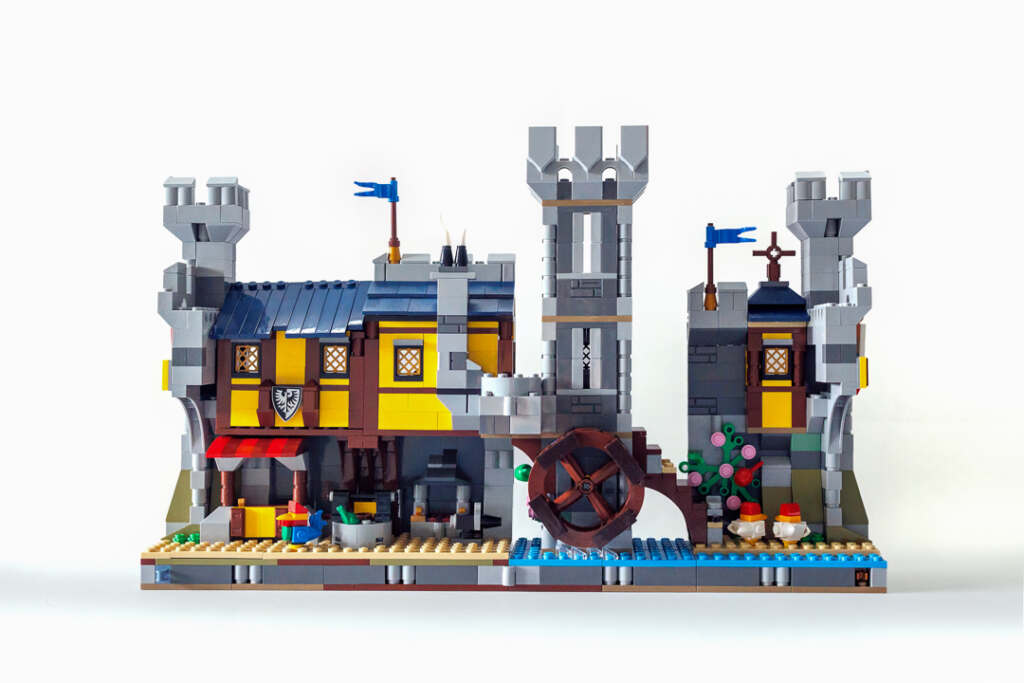
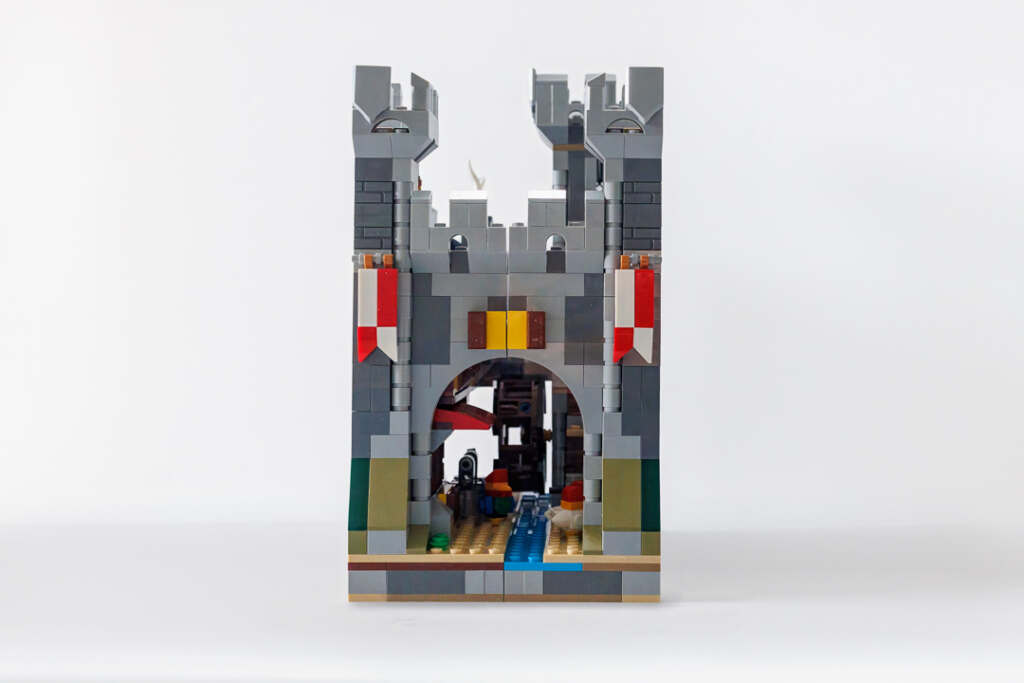
As a toy photographer, I typically buy LEGO sets either for the minifigures or for potential settings for toy photos, as opposed to building them for play or full-time display. Book nook designs are fabulous for photo backdrops or small scene settings. When open, their “flat” profile offers a detailed facade for “street-level” perspective. When closed, they transform into magical alley-type scenes. As a bonus, because of their compact design, book nook sets can be easily moved or stored for future use. The LEGO Group has produced several book nook sets, including the Sherlock Holmes Book Nook (#10351). Rebrickable has quite a few book nook MOC plans available as well. I chose two book nooks to build for this post; both are alt builds of sets I already own. The first is another alt build of set #31120, “Medieval River Town” by Wurger Bricks.
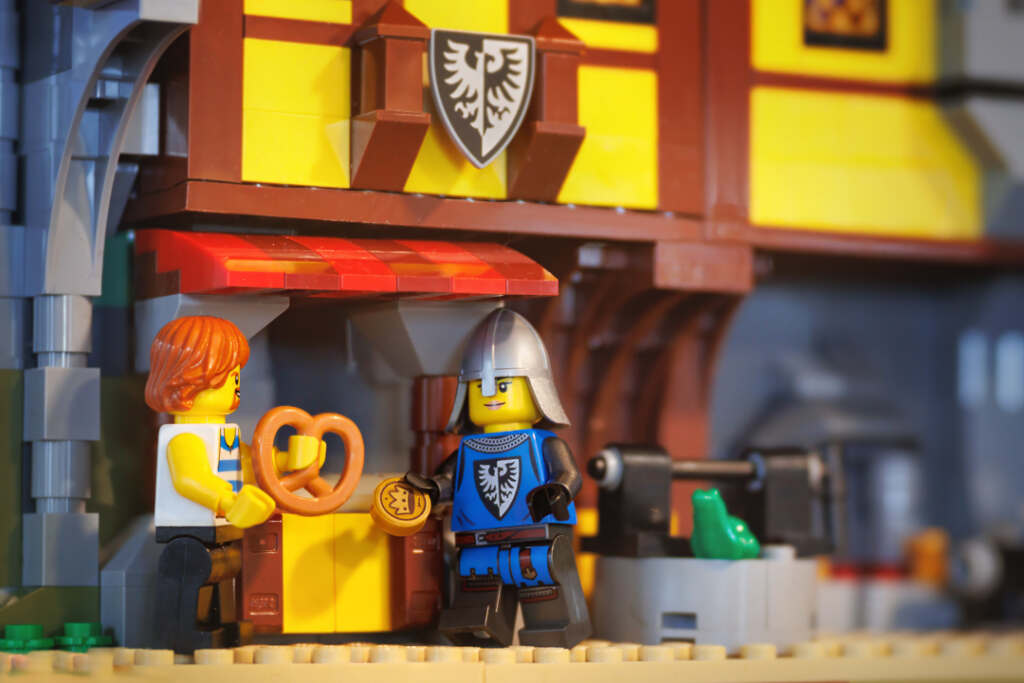
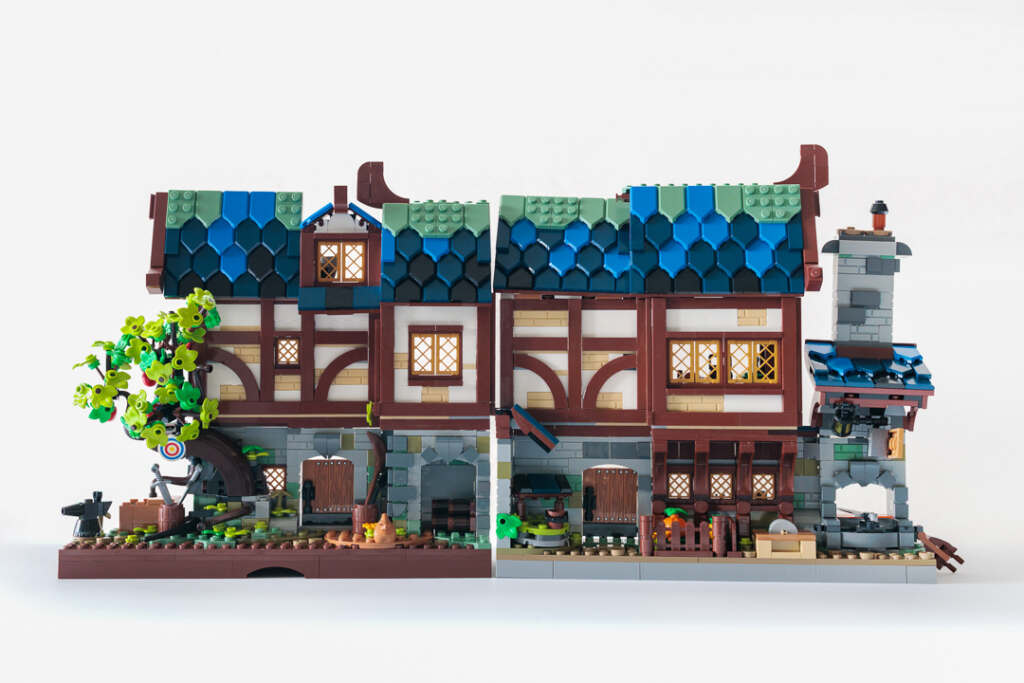
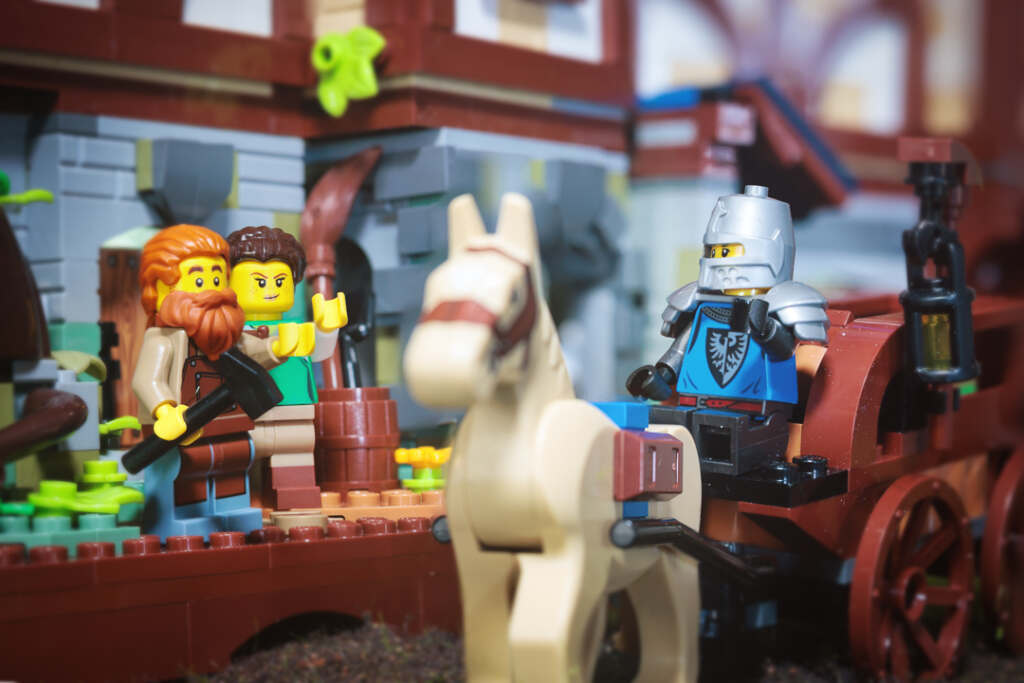
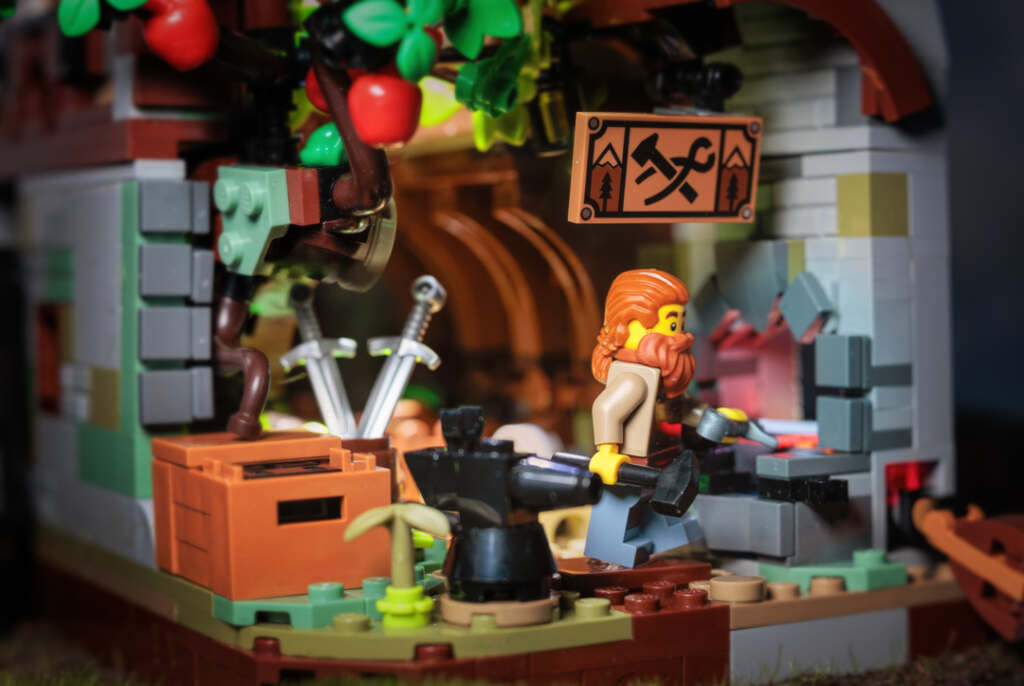
This one is “Medieval Blacksmith Nook” by The_Astral_J, an alt build of the LEGO Medieval Blacksmith set (#21325). Although this model does not hinge together like typical book nooks, the two sections do fit together nicely, with one end forming a cute forge scene.
If book nooks are not your style, you’ll also find a ton of plans at Rebrickable for dioramas (including lots of Star Wars and space themed designs) and minifigure habitat builds for photo setting inspiration.
Micro Builds
Micro builds are cool smaller versions of buildings and other LEGO sets. They have an obvious advantage in cost and storage space savings and are easier to transport and set up (especially outdoors). One of my favorite Rebrickable MOC designers is christromans, who creates incredible, very detailed miniature versions of official LEGO sets. Here is the Mini 10316 Rivendell (winter version).
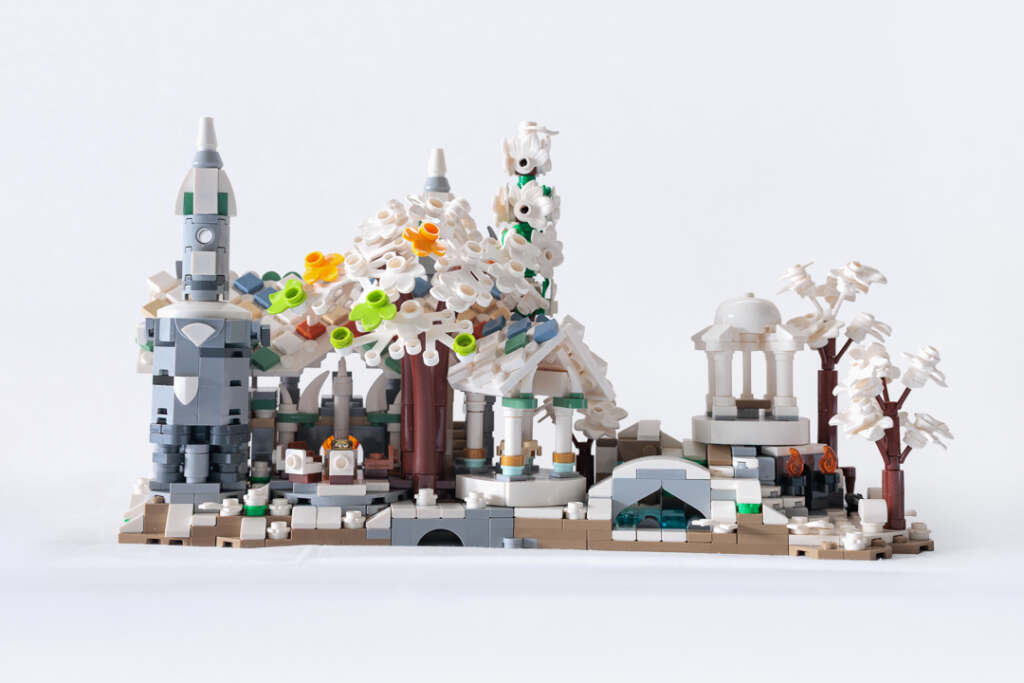

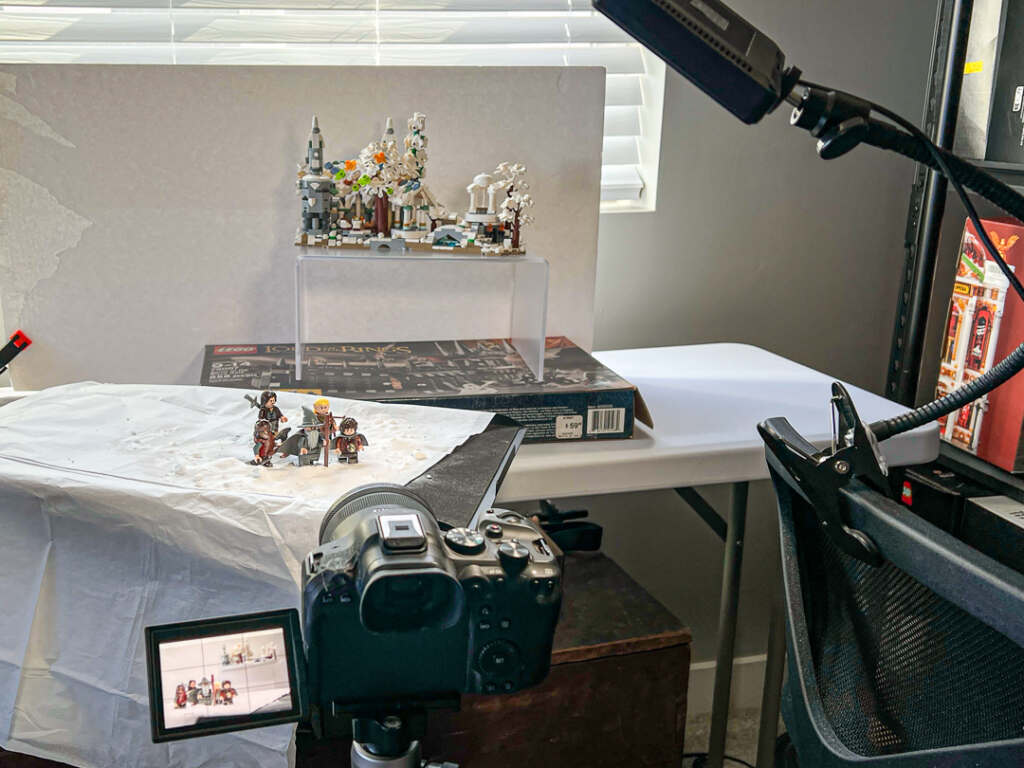
In the photo above, I wanted to feature Rivendell in the background of the image. The micro build was a simpler way to accomplish this than using the huge official LEGO Rivendell set (which BTW is spectacular for toy photos as Tom Milton showed us here). Here is a behind the scenes look at my photo setup.
Small Builds
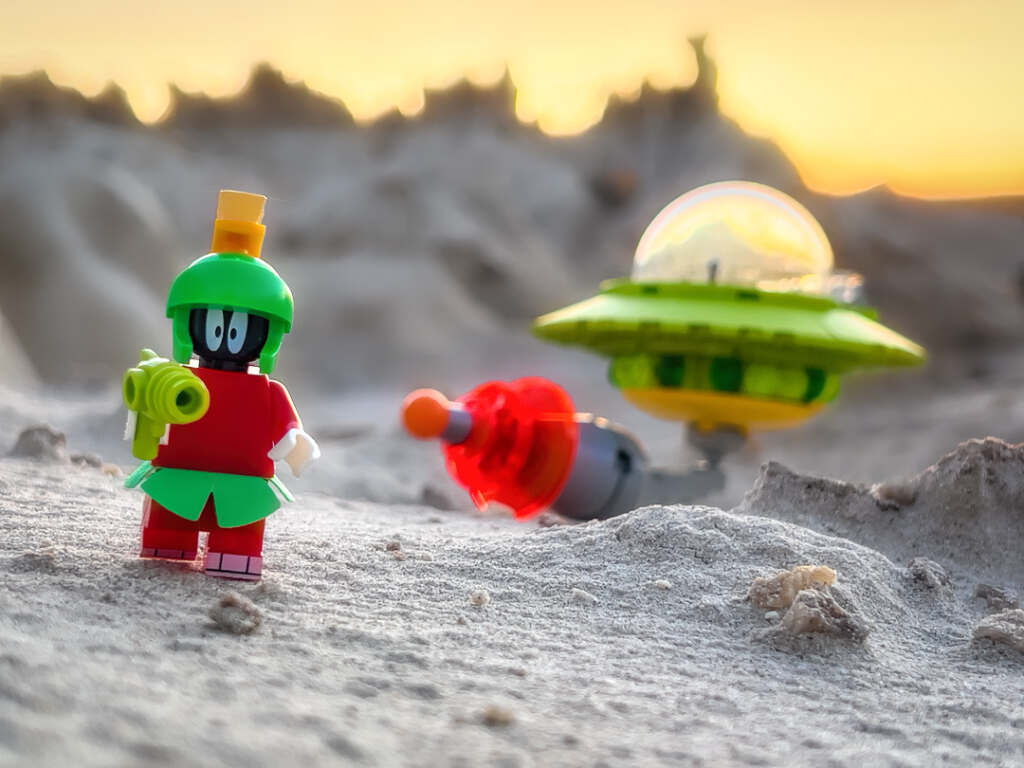
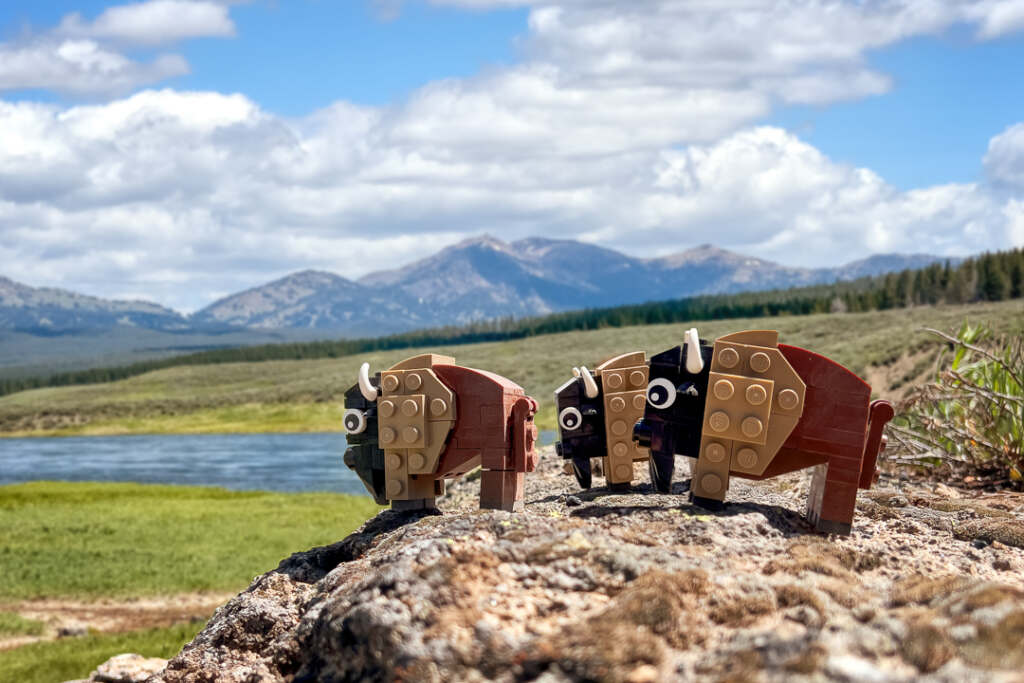
In addition to buildings and dioramas for photo settings, you can download instructions for small builds from Rebrickable. This is a super easy way to add fun vehicles, brickhead characters, creatures, accessories and more to your toy photo scenes. In the lead image for this post, the landspeeder is a modification of this plan by Martini26. Here are two more examples of the many small builds I have built using Rebrickable MOC plans.
A Few Tips
Here are a few helpful tips for using Rebrickable plans.
- Have patience when building. MOCs are fun to build and are totally worth the time and effort. But they can be a bit more finicky and less sturdy to build than official LEGO sets. Nevertheless, the models I have built were plenty stable for toy photography.
- Most of the instructions I have purchased or downloaded are excellent, but occasionally I have found errors. You can easily contact the MOC designer if you run into an issue.
- You can create an inventory of LEGO sets you own in Rebrickable. If you do, the parts inventory for any MOC will show you which pieces you already own and what sets to find them in, as well as give you an approximate cost for the build. While it can be time consuming to build your set inventory and pull parts from specific sets, it can also save you considerable money compared to randomly searching your existing LEGO pieces or buying complete lists of parts for an MOC you want to build.
Conclusion
I am continually blown away by the number and quality of MOC builds available on Rebrickable. I am also very grateful to all the MOC designers who share their tremendous talent with the LEGO community. I really encourage you to explore the Rebrickable site, if for no other reason than to admire the ingenuity and creativity of the designers. I am positive that if you dive in, you’ll agree it is an outstanding resource for toy photographers. You might find yourself going down rabbit hole after rabbit hole, discovering builds you didn’t know you wanted or needed, and you’ll gather lots of inspiration for new toy photos along the way. Have fun!





What a treasure trove, Chellie! Thank you for sharing about Rebrickable — I had no idea it existed. Looking forward to seeing what great ideas I find there!
Thanks for the information! I love rebrickable. I started cataloging my sets and pieces, and even though it takes a while, it’s worth it because I am finally getting a handle on what pieces I have gotten from the Pick a Brick wall, both online and at the Lego Store near where I live. Loved reading your article and I am headed off to explore more of Rebrickable. It’s been on my to-do list forever! Thanks for the inspiration.
I’ve started using Brinklink a lot recently and have made some excellent MOCs, mainly of things that Lego would never make themselves. An excellent resource, especially as you can export information from there straight to the likes of Brickowl so I can buy the required pieces so easily.
Wow! I didn’t know this existed, without a doubt I will start some MOC’s and see what can I create with my toy photography. Thanks for sharing Chellie.
Hi Chellie, Wurger Bricks here, thank you for picking my castle design, lovely photoes.